Setup guide
The Setup guide on a new account: create a memory, add a source, connect an AI tool, one lit control at a time.
On a new account the product dims the page and lights the one control to press next. That is the Setup guide. It has three steps, the same three this documentation follows:
- Create a memory
- Add a source
- Connect an AI tool
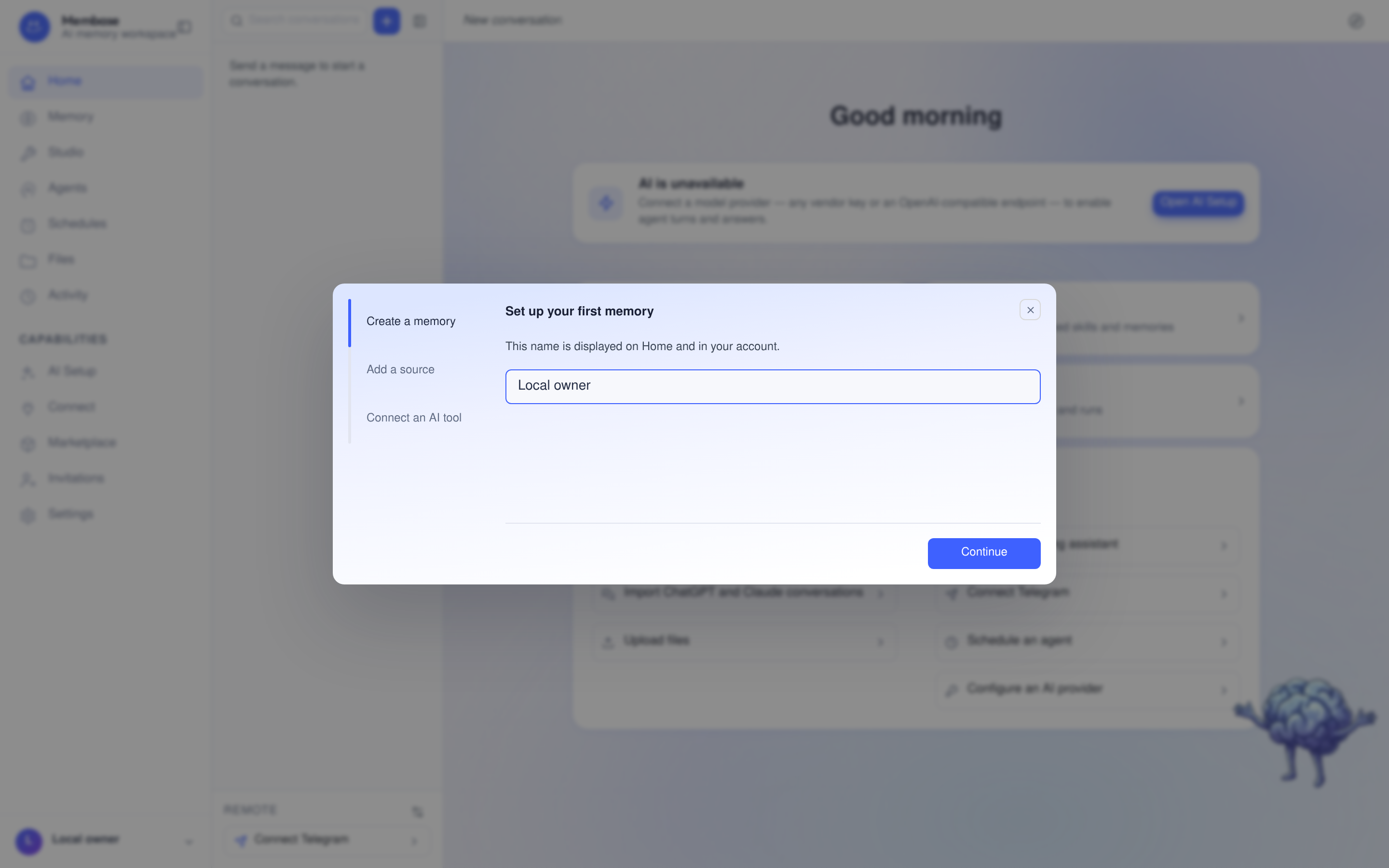
The guide opens on a name card, Set your display name. Press Continue and the first real control lights up, with a small card beside it saying what to do.
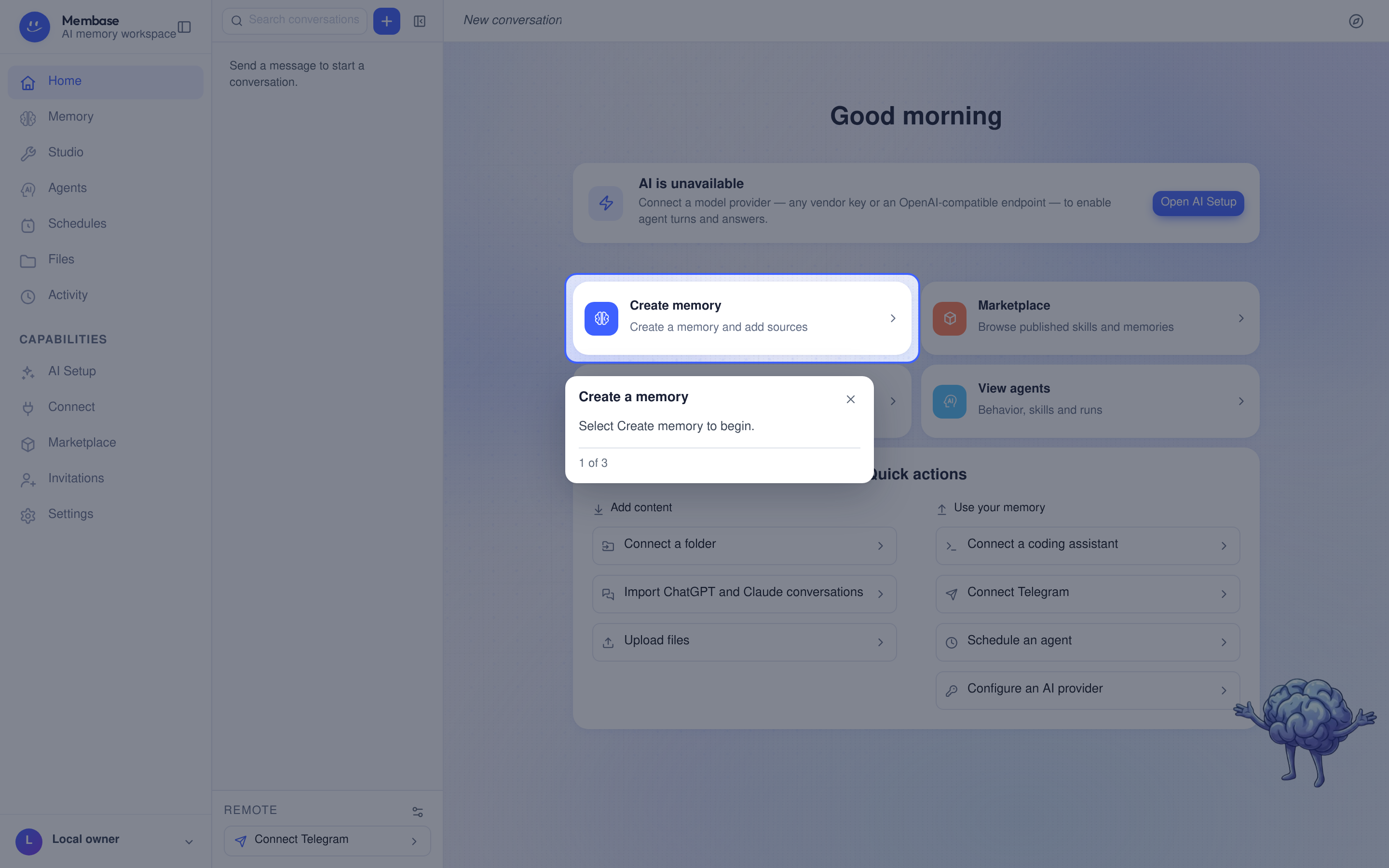
A few things worth knowing:
- Completed steps are marked in the guide. Select Next to continue. The third step completes
when an app is approved on Connect, not by asking on Home; the closing card then says
“
is connected. Send a query to verify access.” - A step you have not done holds until you do it. You can close the guide any time with the X on its card.
- It opens by itself once per browser session on an account with no memories and no connected apps. After that, the Setup guide button at the top right of Home starts it again from the name card.
- On a page without the step’s control, the card stands at the corner with one door to the right page.