Files
Your files as a real folder tree the assistant shares with you, and how a folder becomes a source.
Files is your files: a real folder tree the assistant shares with you.
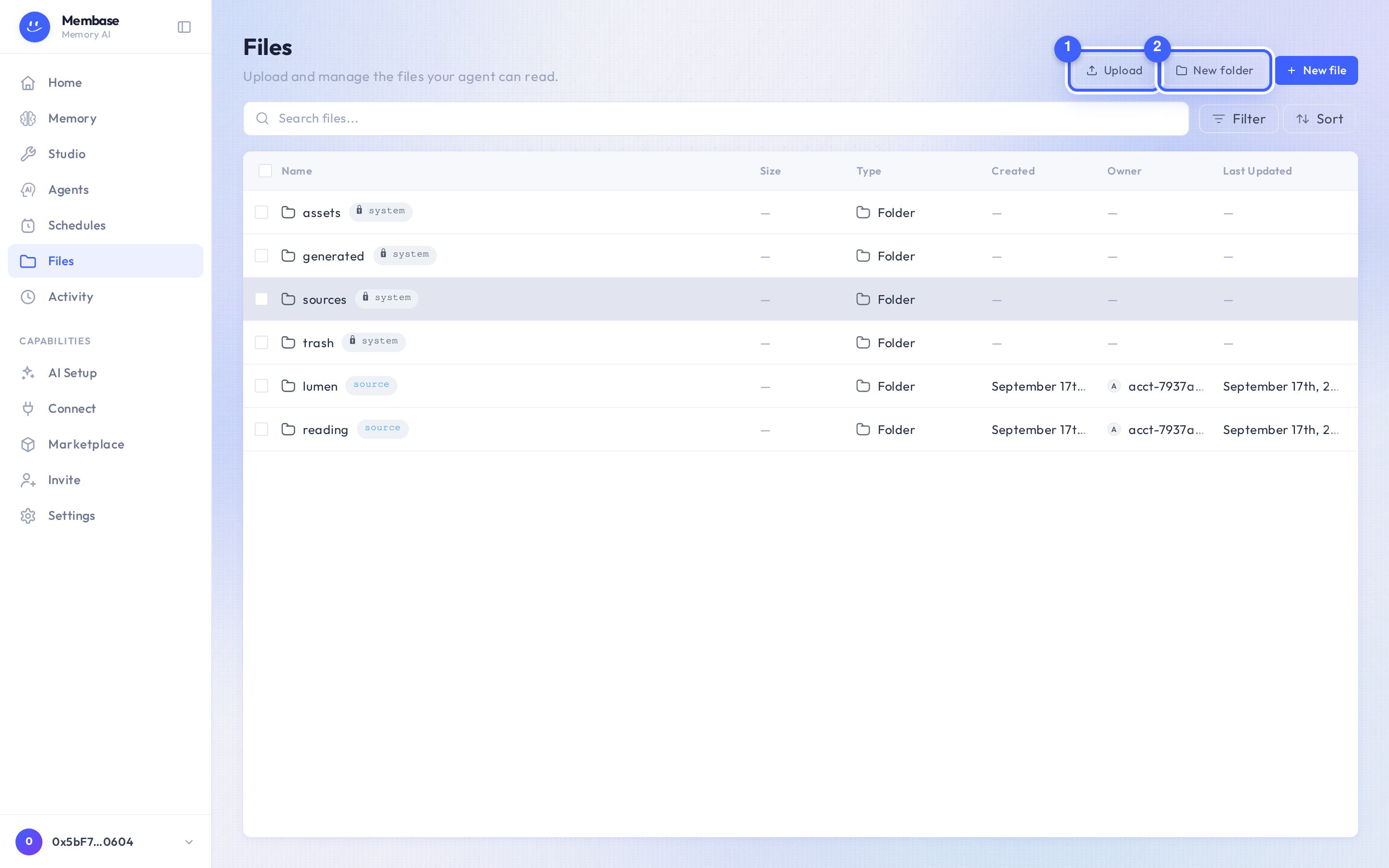
- Upload. Files land in the folder you are in.
- New folder. Any folder can later become a source.
The root is your own tree. The locked system folders Generated, Assets, Sources and Trash sit beside it, badged System in the folder chooser. Browsing never wakes the memory; only a memory’s run reads files.
Right-click a row for rename, move, delete and download. Deleted files go to Trash first.
Making a folder a source
Section titled “Making a folder a source”You do not do it here. Open the memory that should read the folder and press Choose on Your Files in its Add card. The same browser opens inside the dialog, with a footer that connects the ticked folders. A folder the memory already reads says reading.