Schedules
Every scheduled task in one place: a memory’s cadence, pause and resume, UTC times.
Every scheduled task in one place.
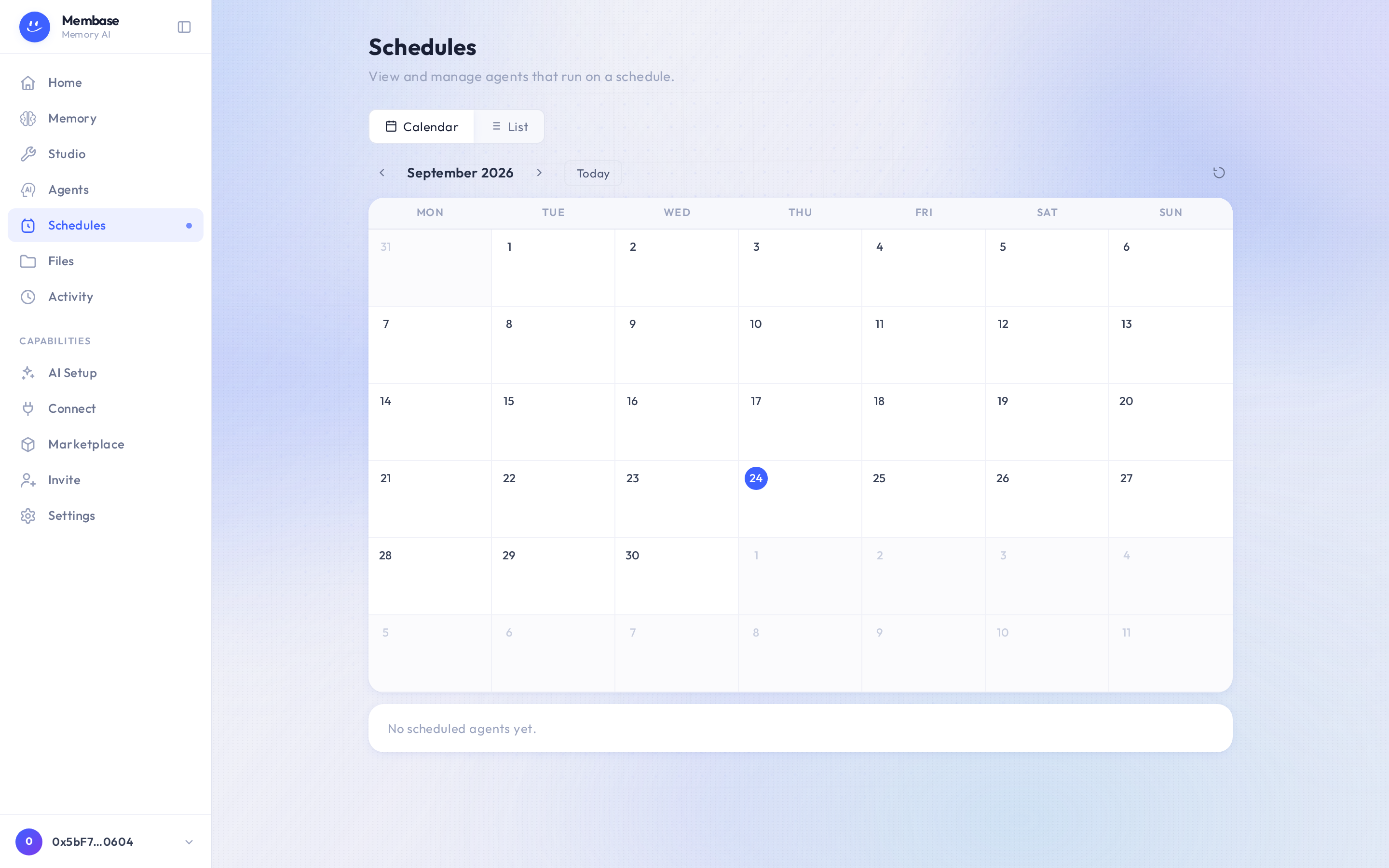
The page has Calendar and List tabs and a New schedule control. A memory’s cadence, set in its Settings, appears here; so does any agent you put on a schedule. Each row offers Pause / Resume, Edit cadence and Run now, so you retune a live cadence here without touching the memory. Pausing is how a memory’s or workflow’s schedule stops: it has no delete verb, so the row says paused rather than pretending it is gone. A job the agent created for itself has Delete instead (“Delete this agent schedule? This cannot be undone.”).
Cadences are picked, not typed: hourly, daily, weekly, monthly, or Custom cron. Times are UTC. The picker shows your local equivalent.
If something looks wrong
Section titled “If something looks wrong”Look up the word on screen.
| It says | What it means | Do |
|---|---|---|
| No schedules yet | nothing is scheduled | New schedule, or add a Schedule block in Studio and deploy the agent |
| paused | the schedule exists and does not fire | Resume |
| the time looks wrong | schedules run in UTC; the picker shows your local time beside it | nothing, or Edit cadence |
| a scheduled result never reached Telegram | no chat is bound to the assistant | Home › Remote › Connect Telegram |